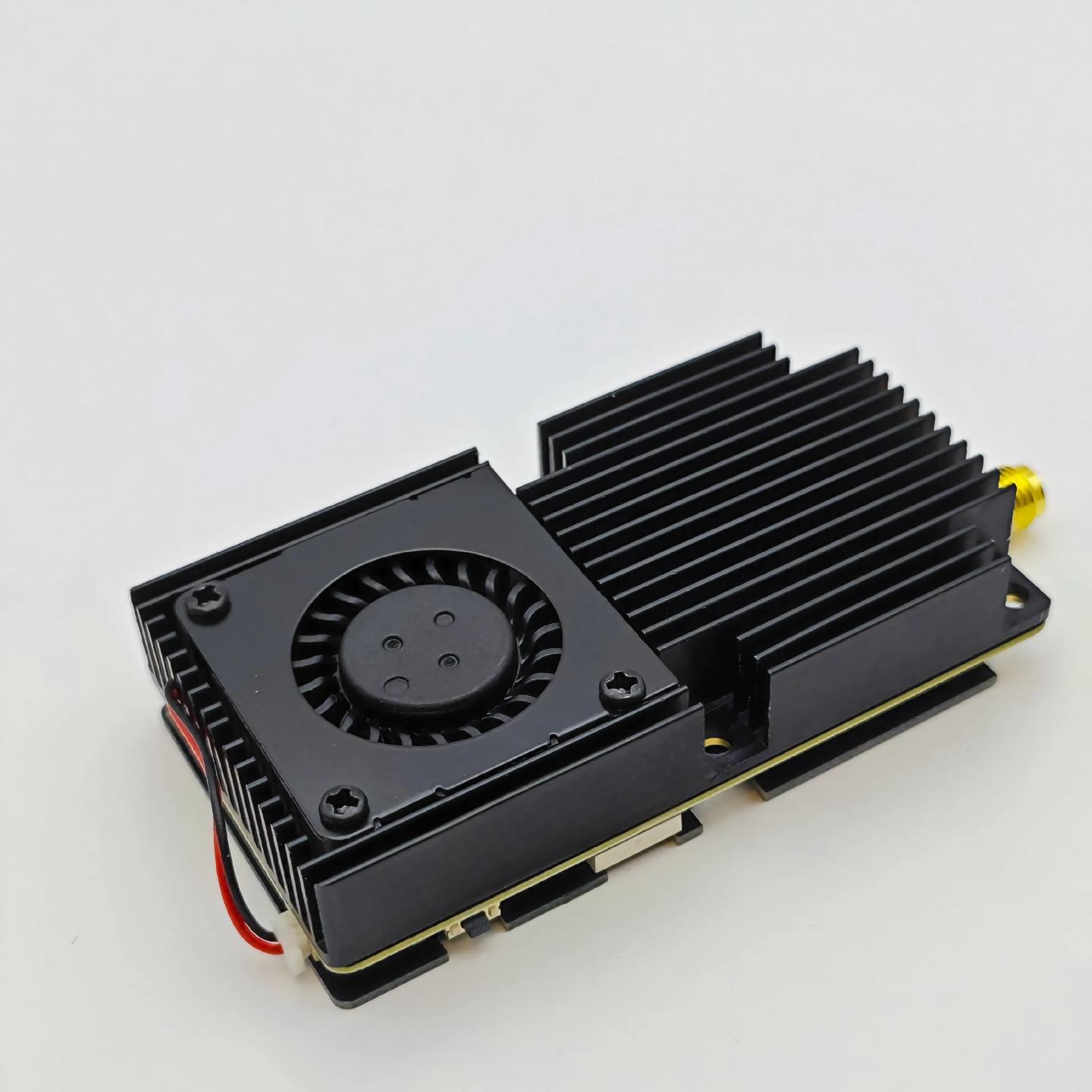
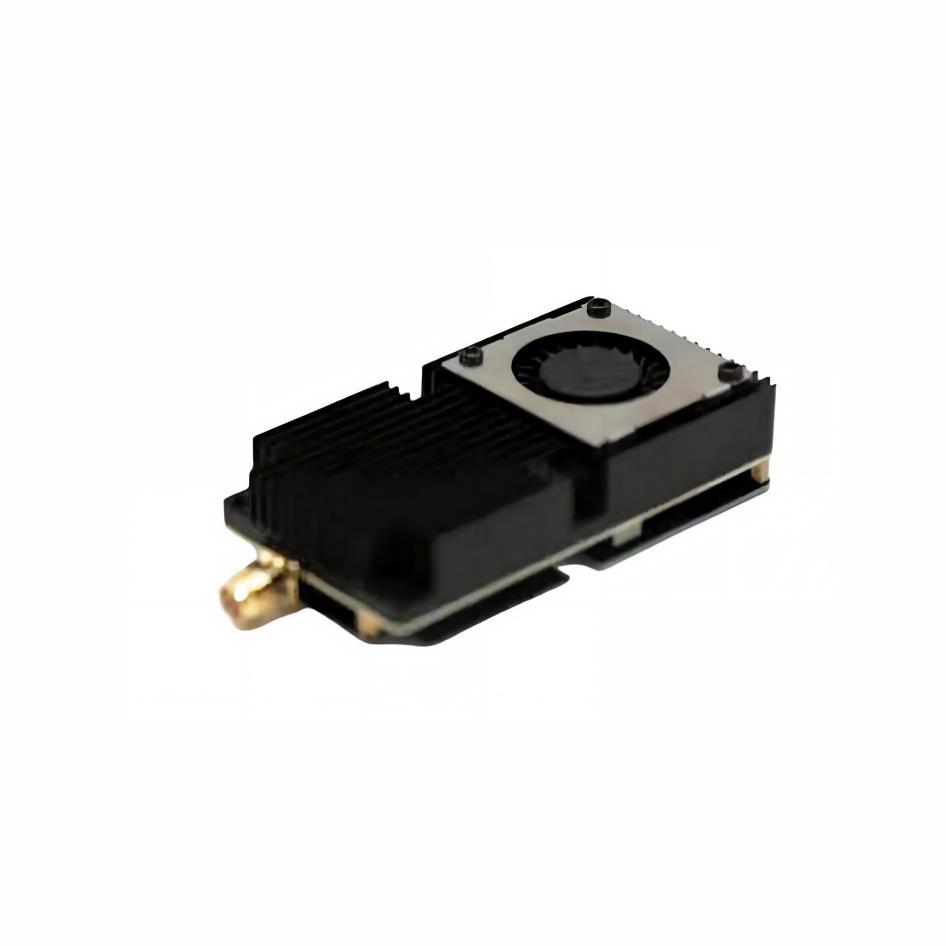
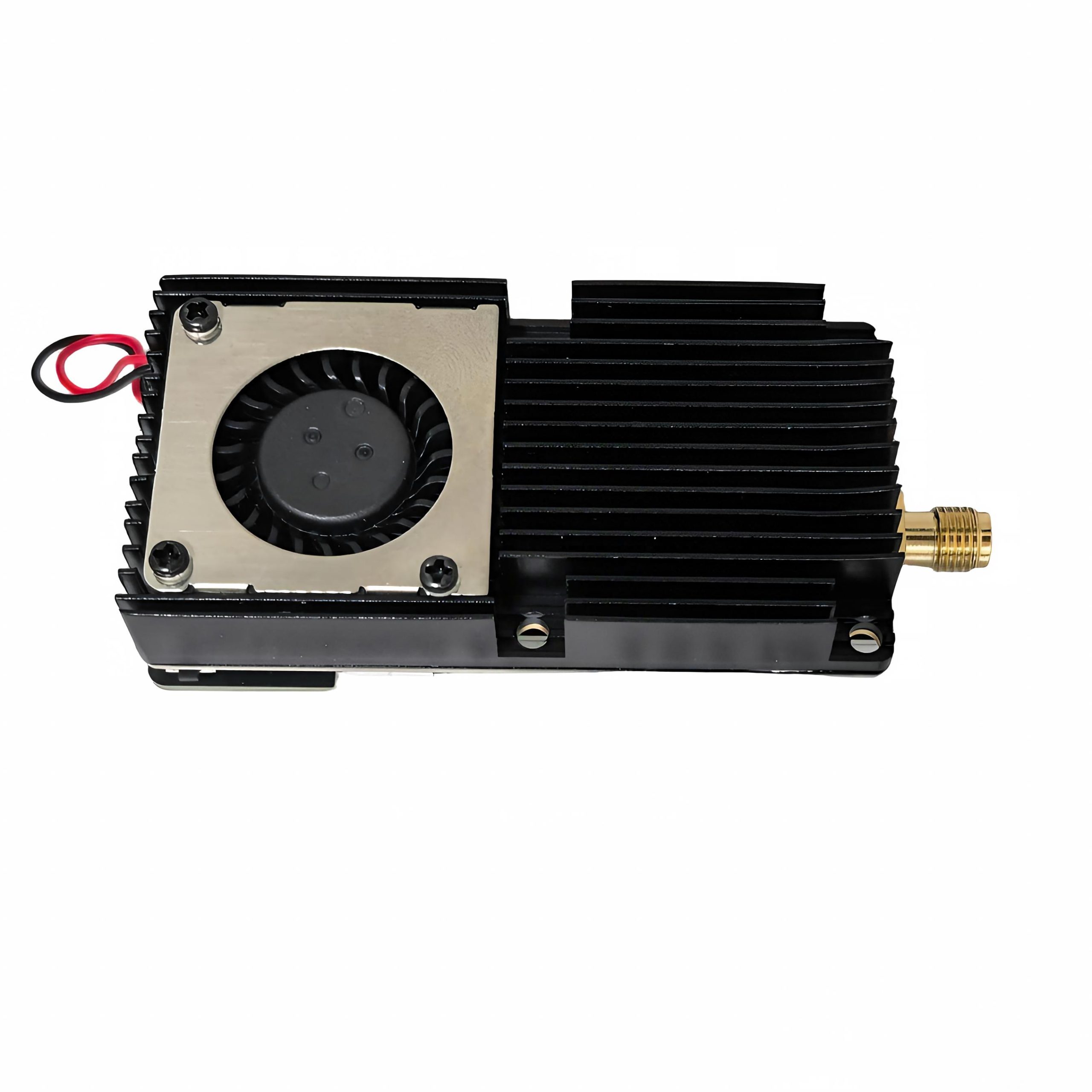
1.7G 10W FPV VTX Video Transmitte
Product Features:
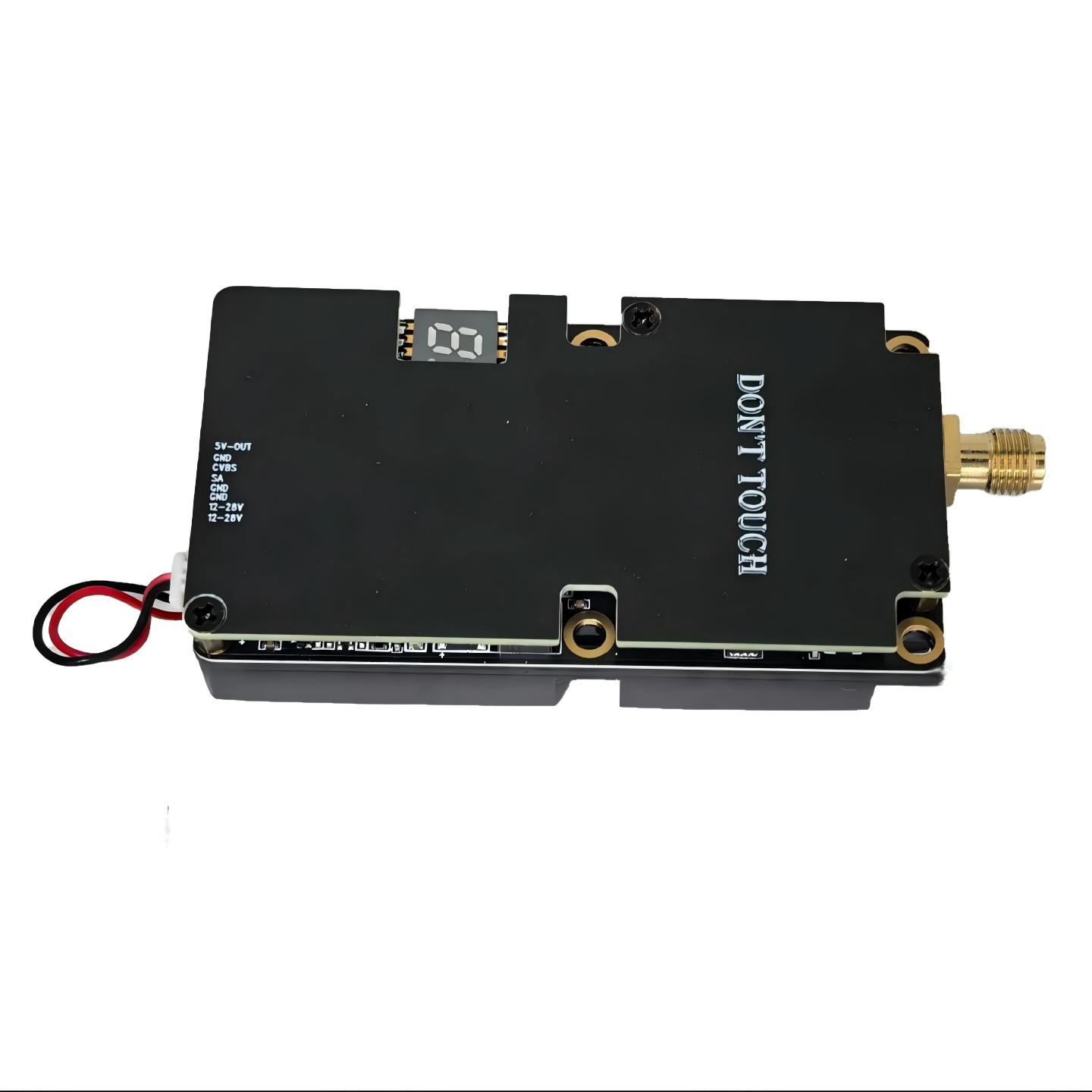
Compatible with 1400-1700mHz frequency band for various FPV drones
16 channels to minimize interference and ensure signal stability
10W high output power for long-range stable transmission
Supports one customer-defined frequency point
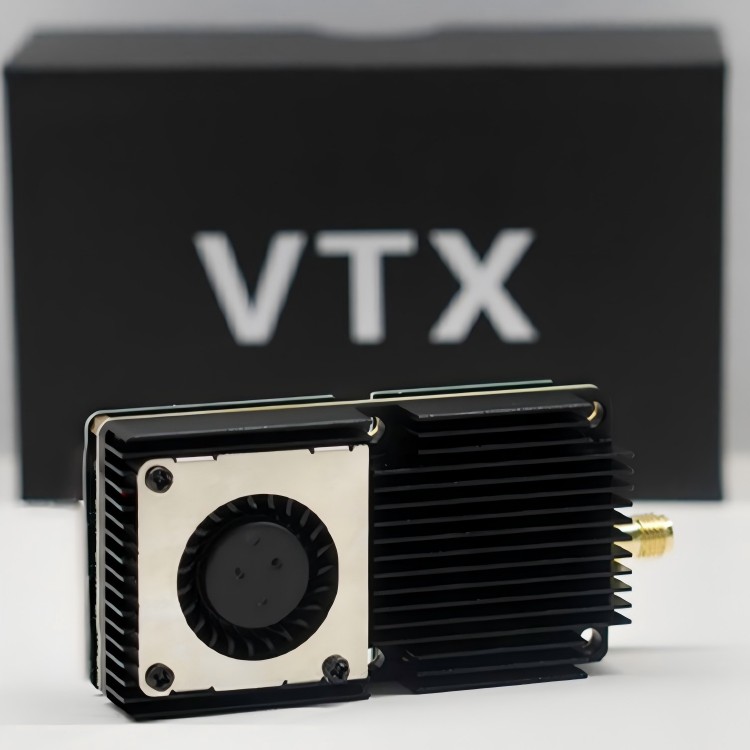
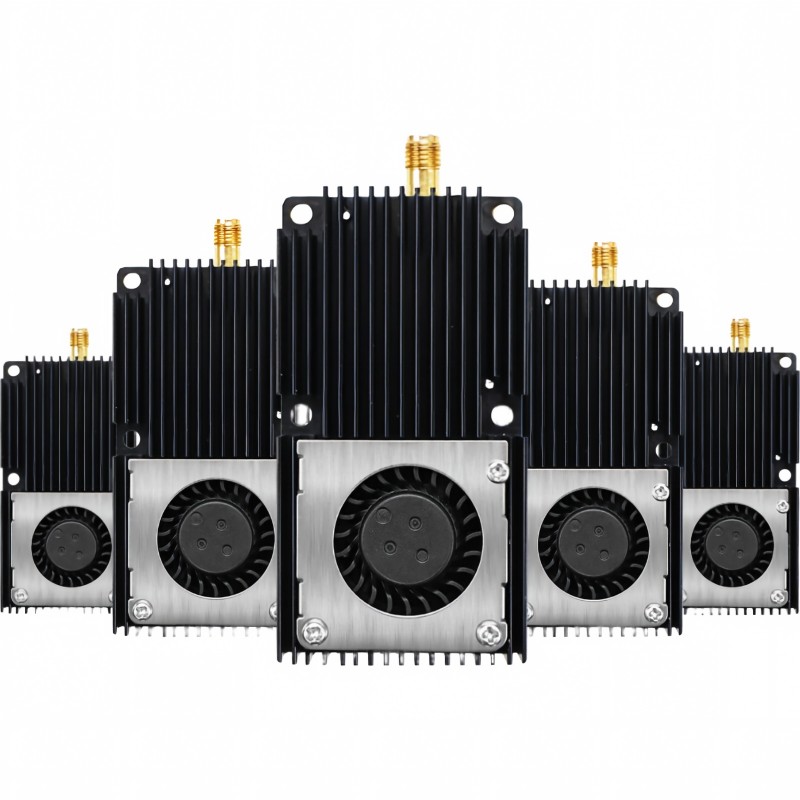
All components protected under heat sink
4 Mounting Holes for Easier Installation
FEATURES
Compatible with 1400-1700mHz frequency band for various FPV drones
16 channels to minimize interference and ensure signal stability
10W high output power for long-range stable transmission
Supports one customer-defined frequency point
All components protected under heat sink
4 Mounting Holes for Easier Installation
Technical Parameters
| Specifications | 1400-1700mhz |
| Input Voltage | 12-28V,6S battery is suggested |
| Output Voltage | 5V |
| Channels | 80CH |
| Power | 1W/2W/3W/4W/5W/6W/7W/8W/9W 10W |
| Mounting Hole | 30.5 * 30.5mm |
| Antenna Connector | SMA |
| Power Consumption | 12V/2.8A 28V/1.1A |
| Extra Feature | Custom Frequency/Built-in cooling fan&heat sink |
| Cable Connector | JST 8pin (Dual 12-28V Input and Dual GND) |
| Weight | 47g |
| Size | 68 * 68 * 15mm |
Precautions:
The dual 12 – 28V power input cables and dual ground cables must be pre cisely soldered to the corresponding pads in strict accordance with the po sitions. Do not solder only one of the cables to ensure stable power trans mission of the device.
Before powering on, make sure to complete the installation of the antenna connector and the antenna. Avoid device failures or performance degradat ion caused by non – installation.
The device’s heat sink plays a crucial role in heat dissipation. Any removal is strictly prohibited to prevent device damage due to overheating.
To achieve good heat dissipation effect, please install the Video Transmitt er (VTX) at the uppermost part of the drone frame. This can ensure suffici ent airflow for heat
dissipation.
This video transmitter has a PIT mode (low – power mode), and the operati on methods are as follows:
1.With the help of the Betaflight ground station software, it is convenient to enter and exi t the PIT mode.
2.In addition, pressing and holding the device button for 15 seconds can also exit the PIT mode.
3.If the PIT mode is not actively exited, the device will still remain in the PIT mode when powered on next time.
Band:
Press button for 3seconds until the English letter flashes in LED,then short press to select band A/b/ E/F/r/P/L/U/O/X.
Channel:
Select channels 1/2/3/4/5/6/7/8/9/10 by simple short presses.
Power:
Press button for 3 seconds until the number quick flashes in LED,then short press to select power.
| Power | 1 | 2 | 3 | 4 | 5 | 6 | 7 | 8 | 9 | 10 |
| FV10W-A1 | 1W | 2W | 3W | 4W | 5W | 6W | 7W | 8W | 9W | 10W |
The LED will display “band””channel””power” successively after setting. Notice: LED flashes a number 2 times quickly while displaying power.
“5”flashes 2 times means “5W”.
Custom Frequency:

Related Products