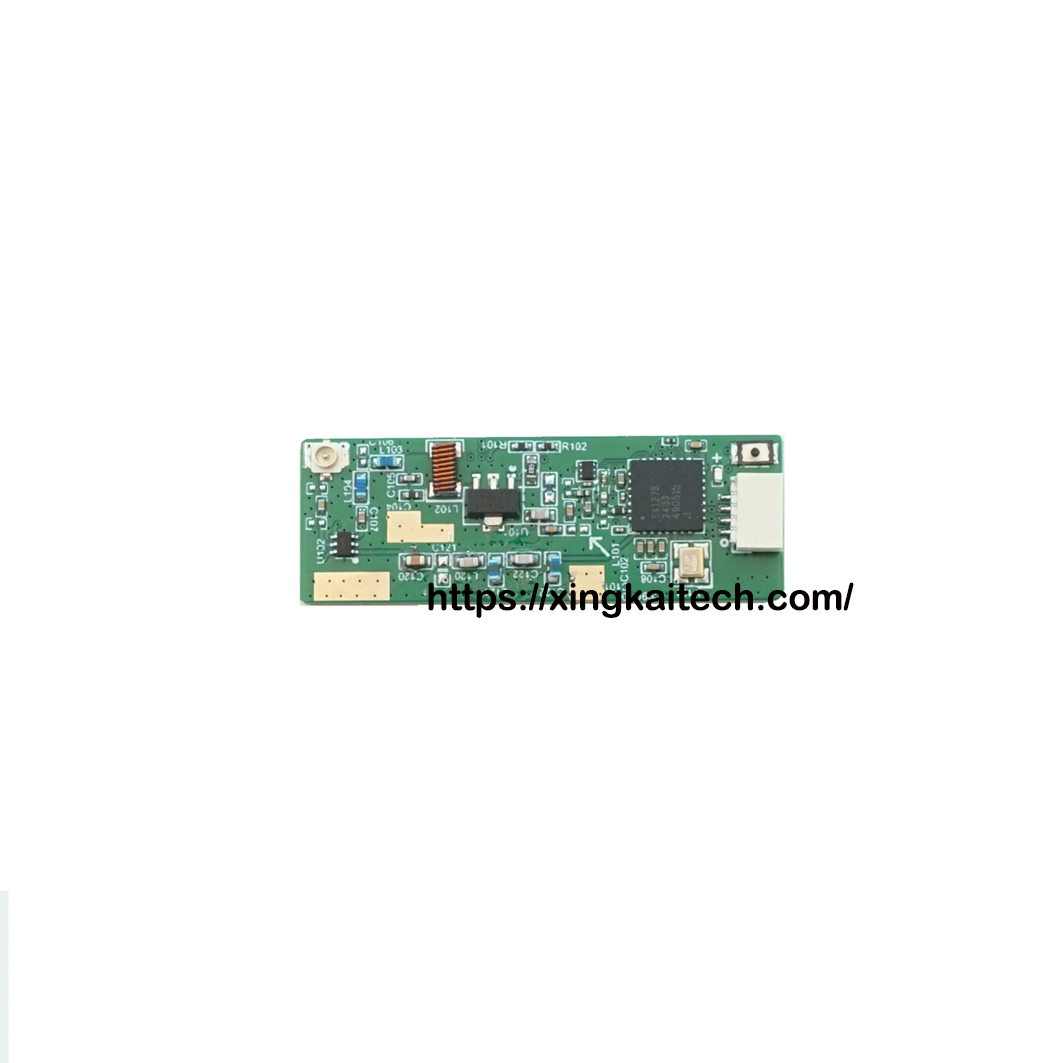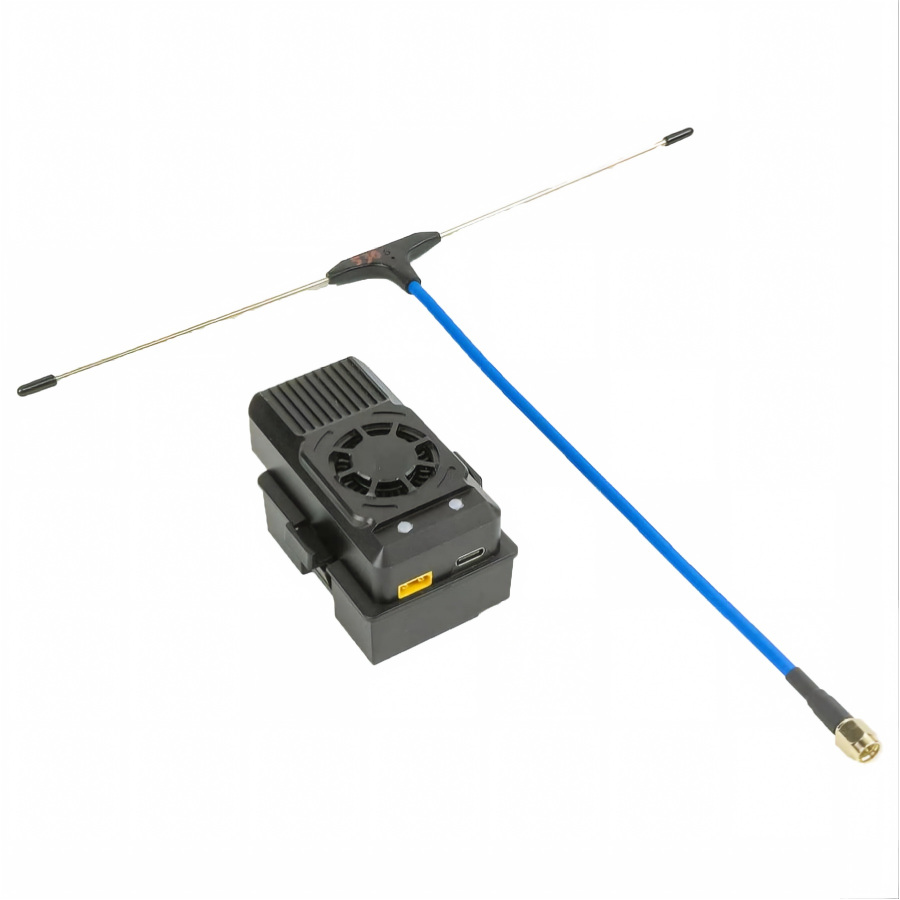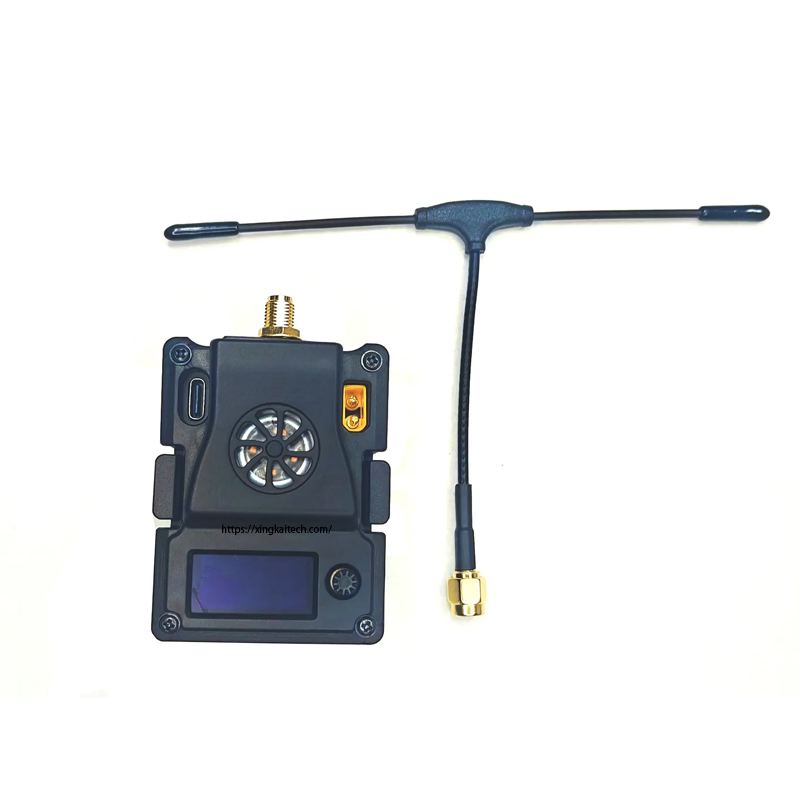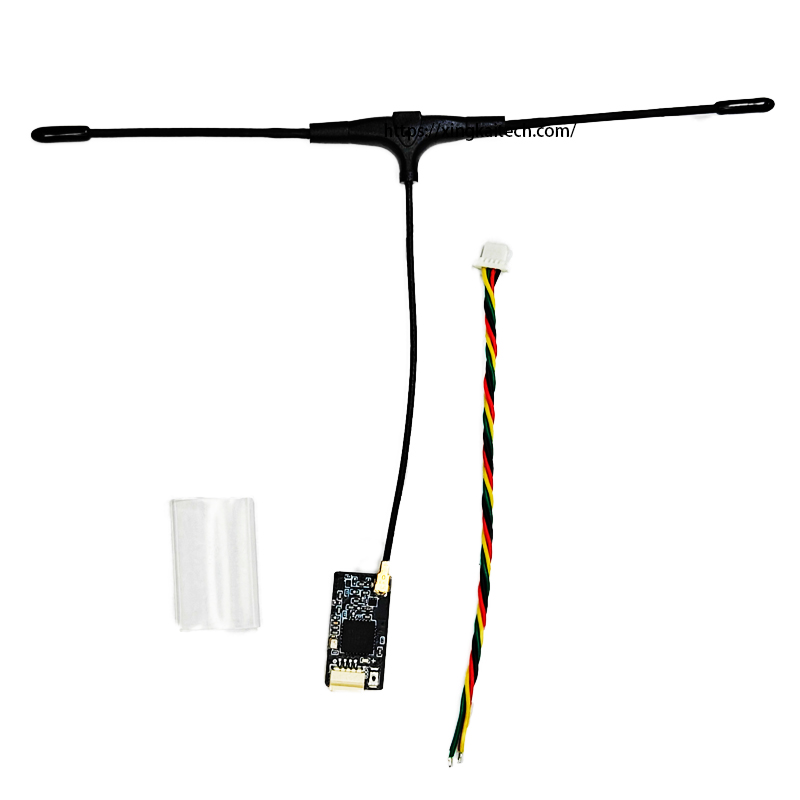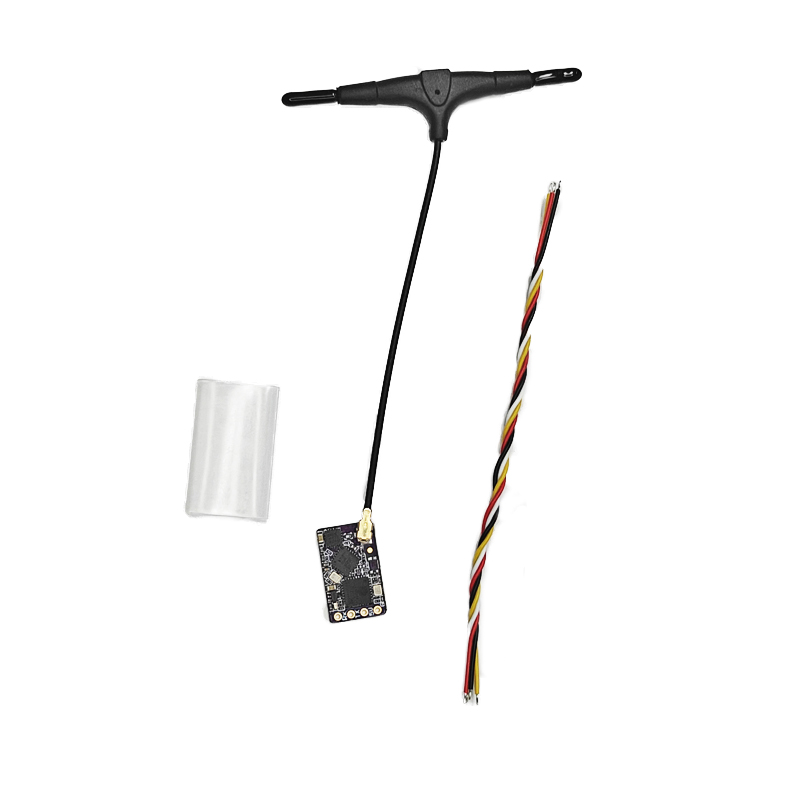
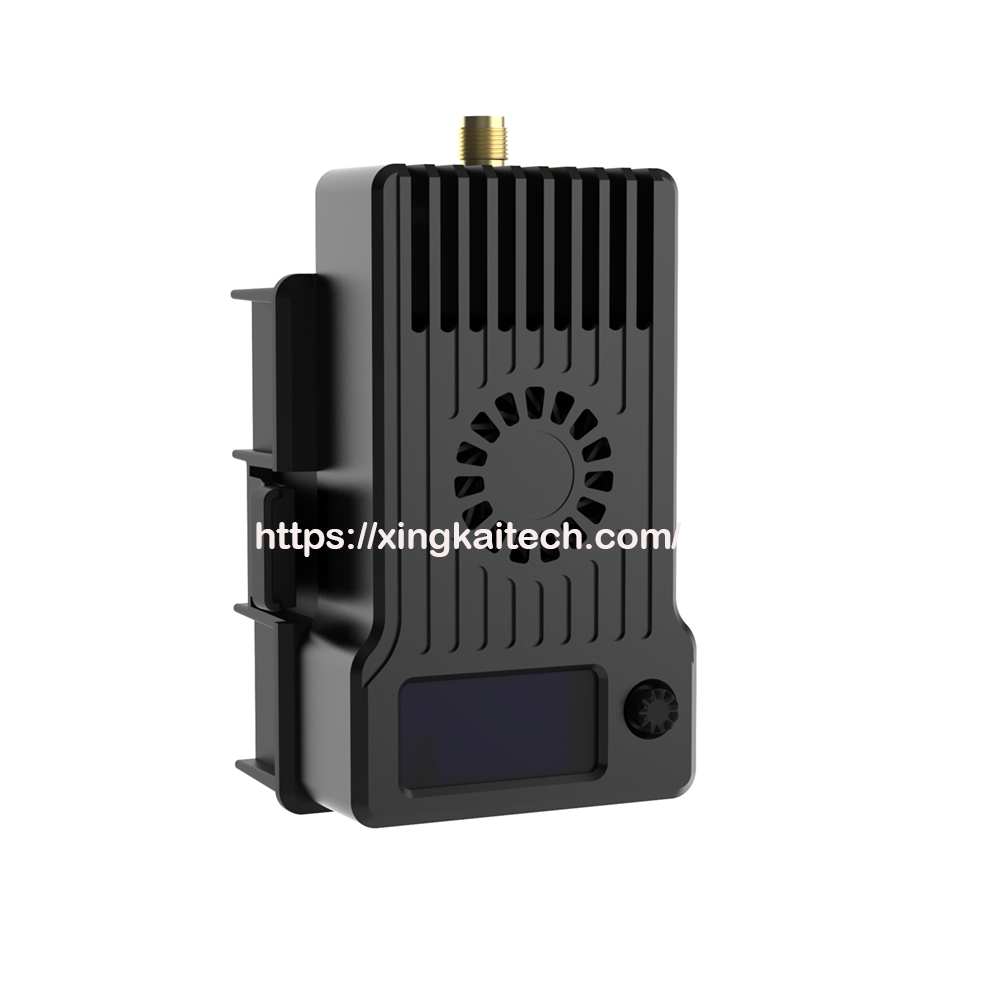
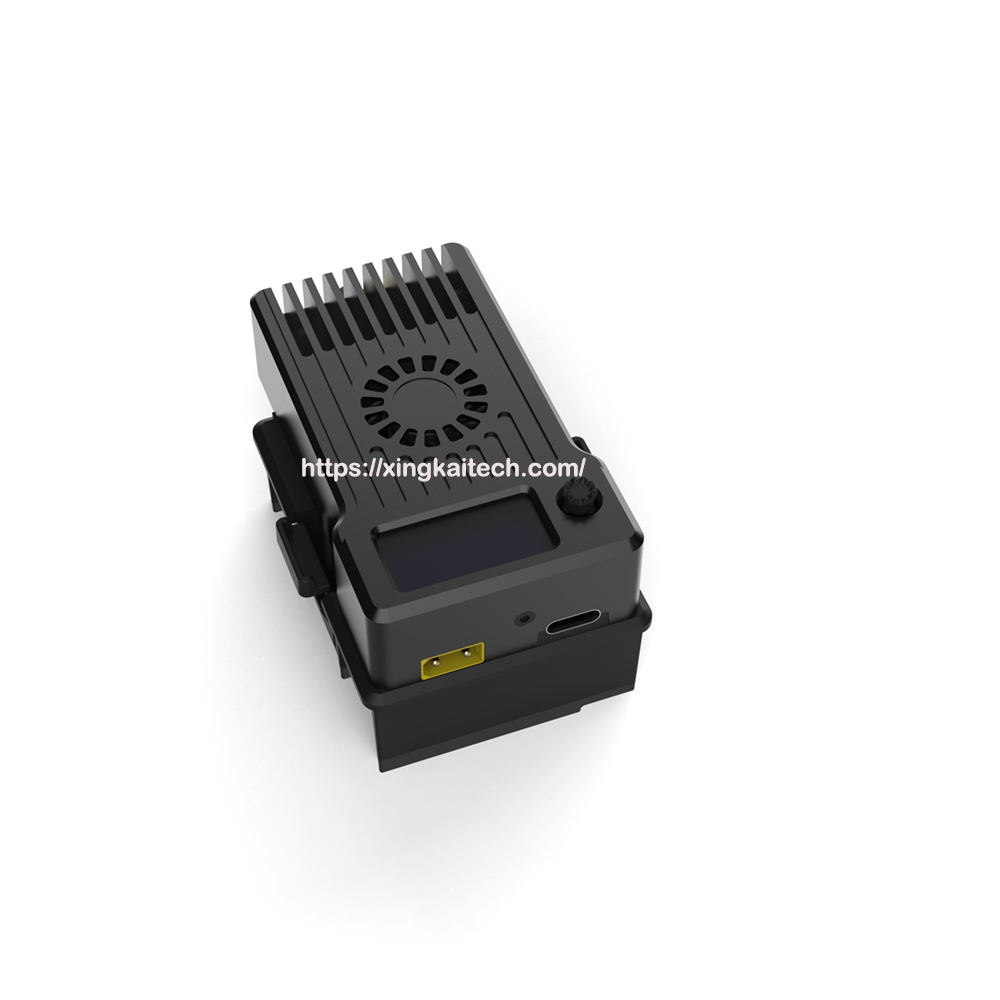
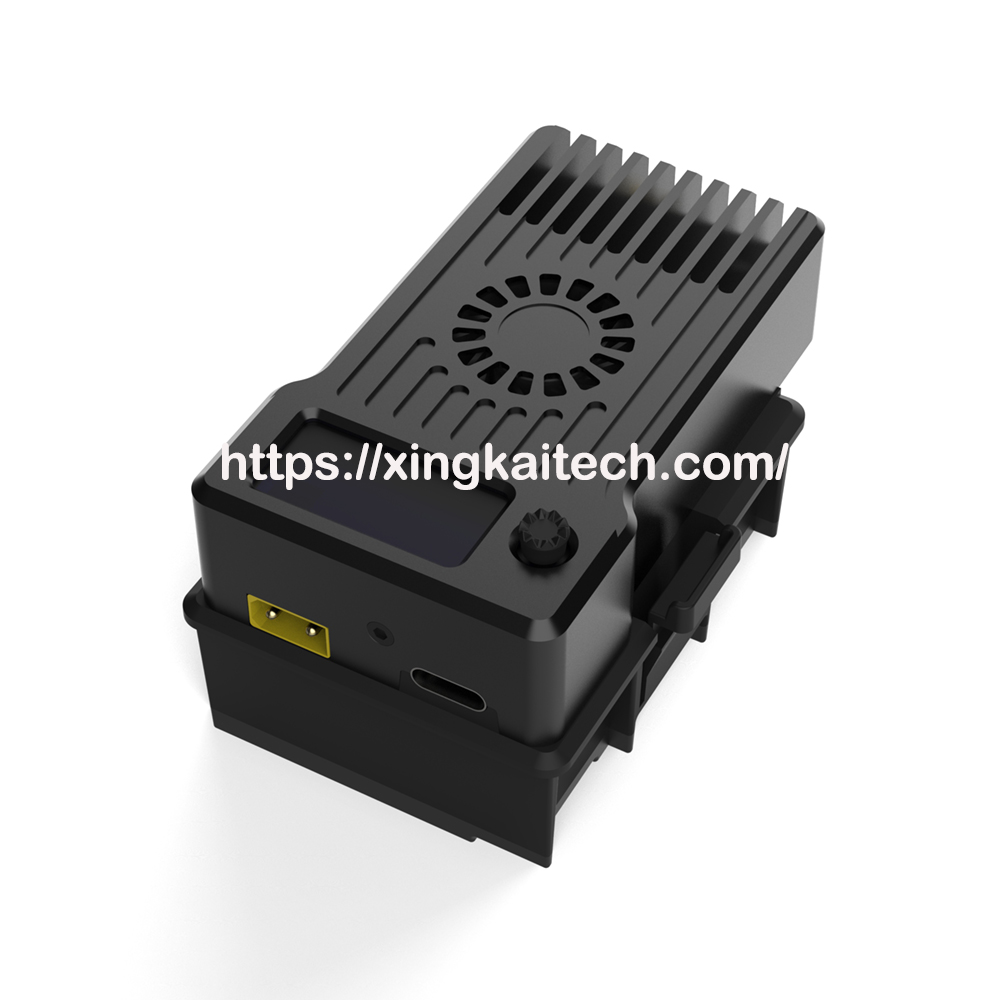
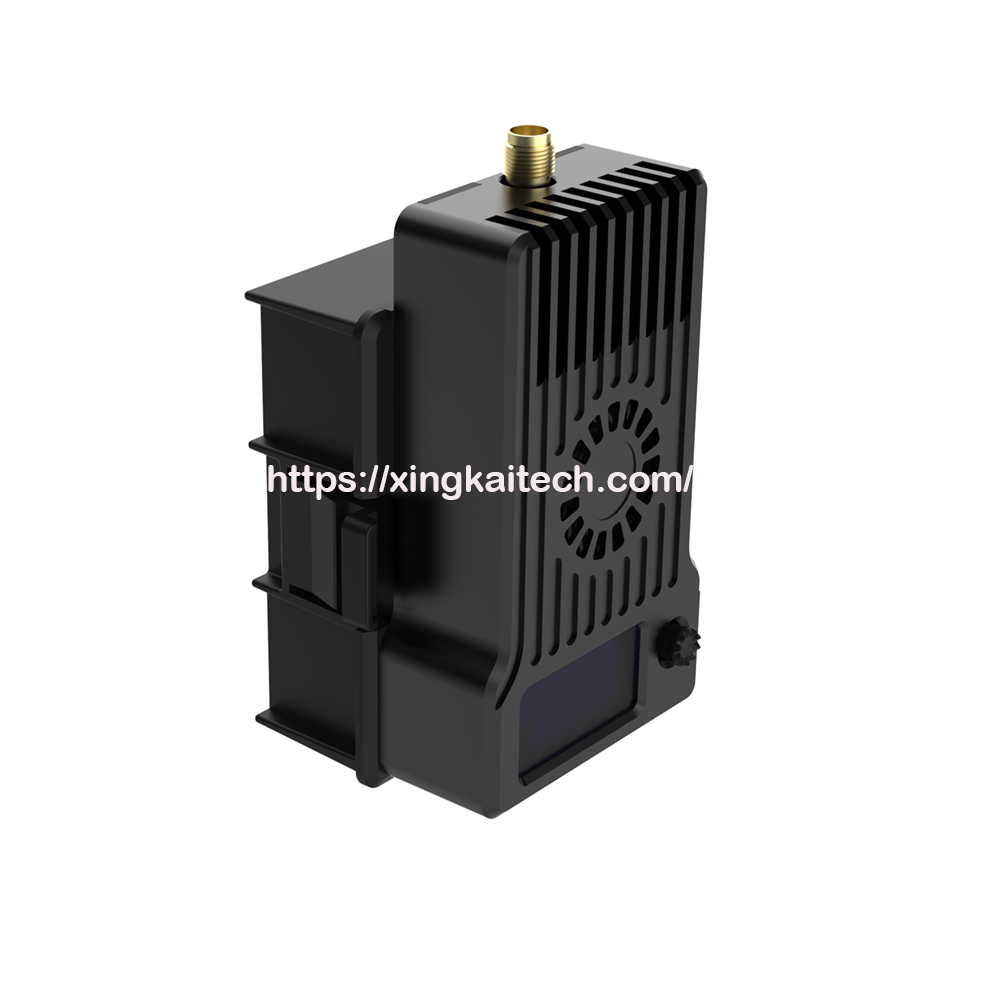
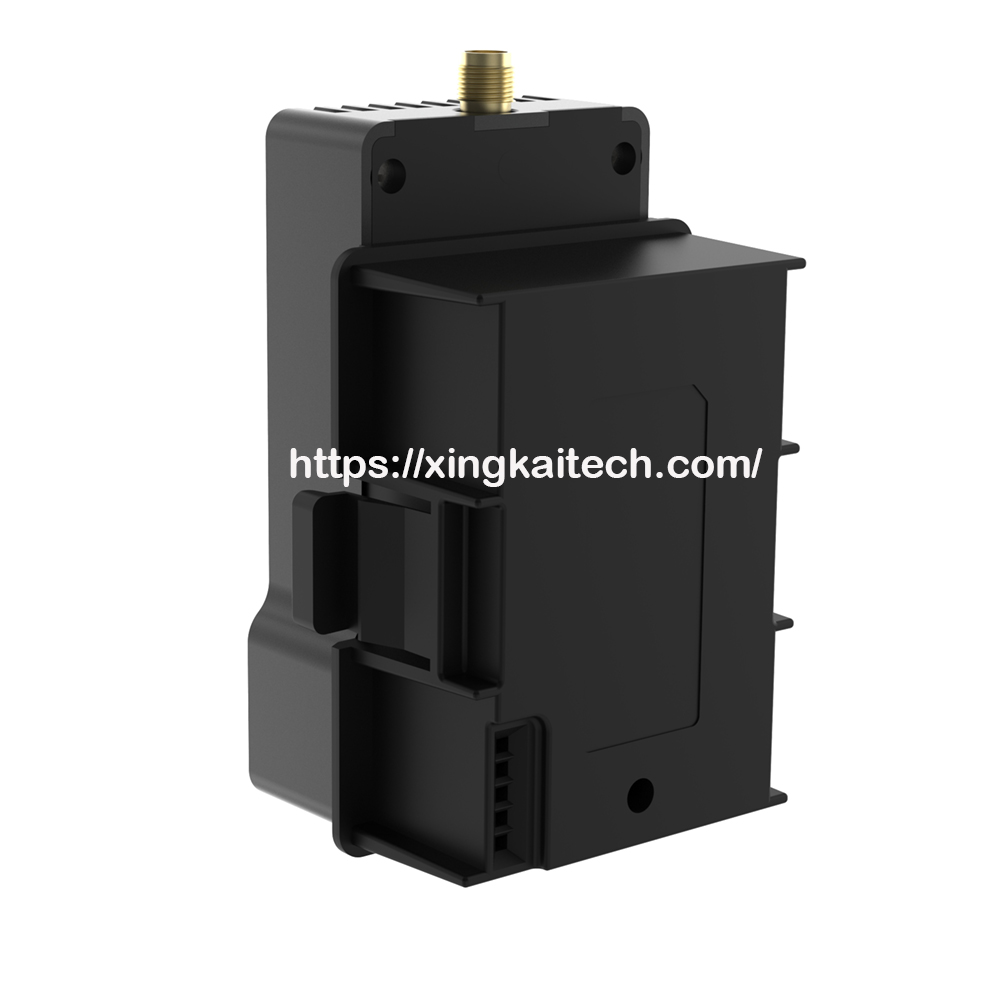
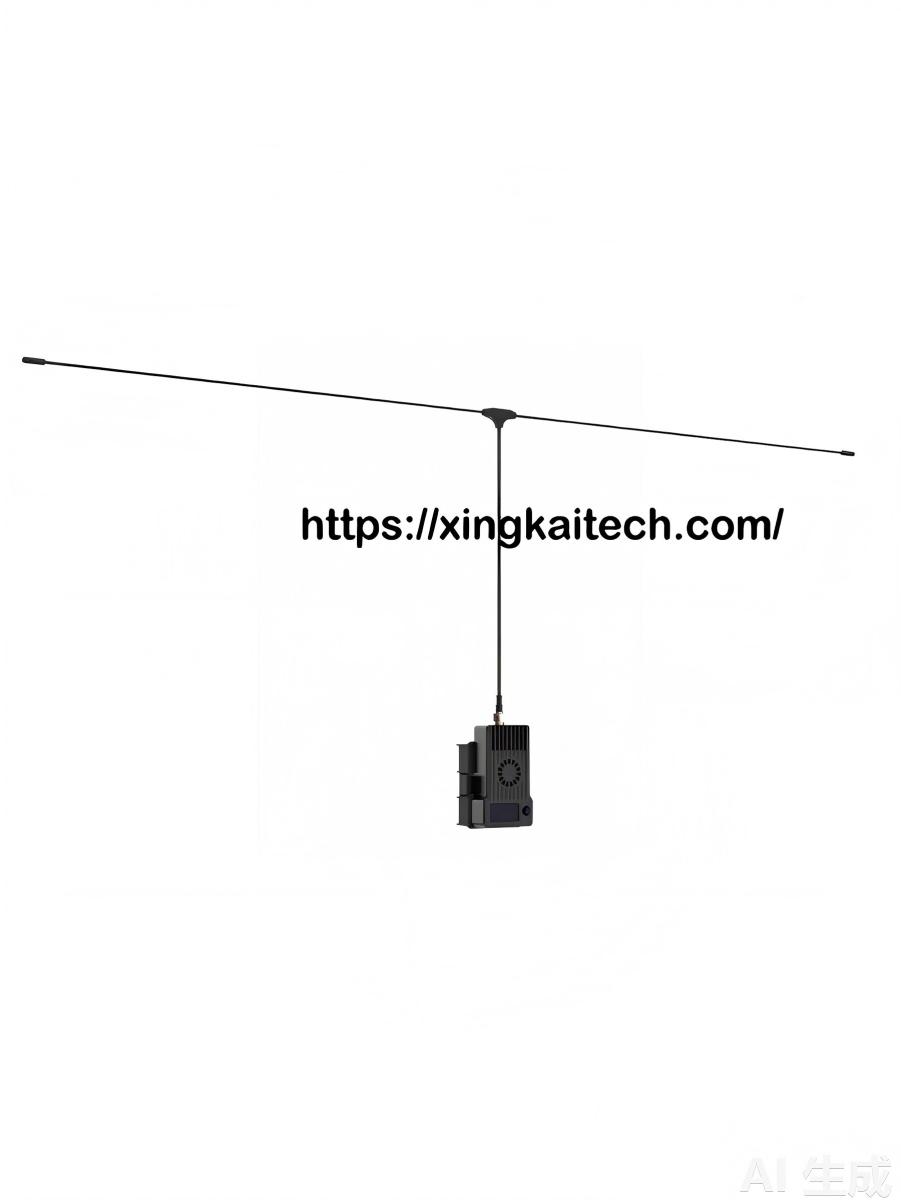
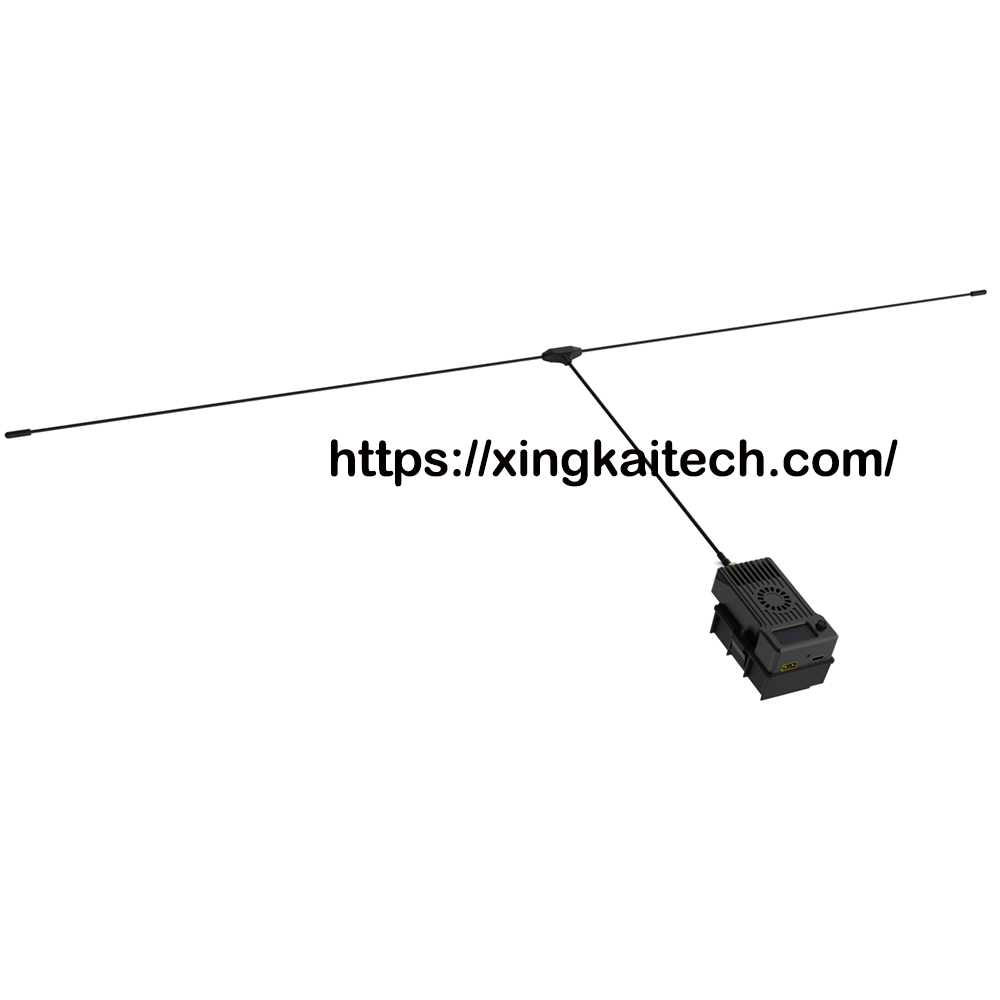
ELRS TX 170Mhz TX High-frequency head
The ELRS 170Mhz TX transmitter module a new generation remote control wireless system developed based on the open-source project Express-LRS. The ELRS system features long range control, stable connectivity, low latency, high refresh rate, and flexible configuration options making it ideal for demanding remote control applications.
FEATURES
- Frequency Band:( 170MHz)
- Output Power:10mW/25mW/50mW/100mW/250mW/500mW/1000mW/2000mW
- Refresh Rate:25Hz/50Hz/100Hz/200Hz
- Input Voltage:5-8.4V(2S)
- Main Control IC:ESP32+SX127X,Backpack Chip:ESP8285
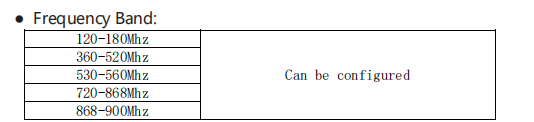
The ELRS-170-TX transmitter module is compatible with all remote controllers using the JR Interface available on the market. (Interface Diagram):
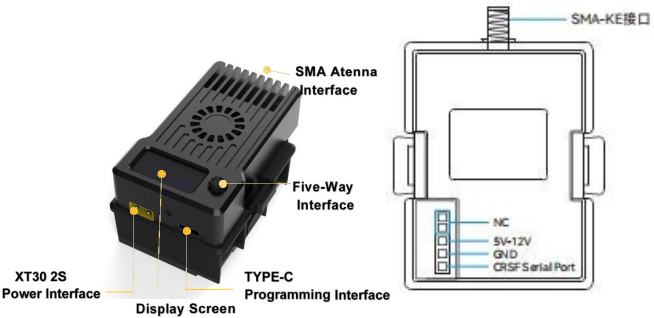
Note: Before powering on the ELRS-170M-TX transmitter module, please install the matching antenna. Otherwise, it will cause damage to the transmitter module’s PA chip.
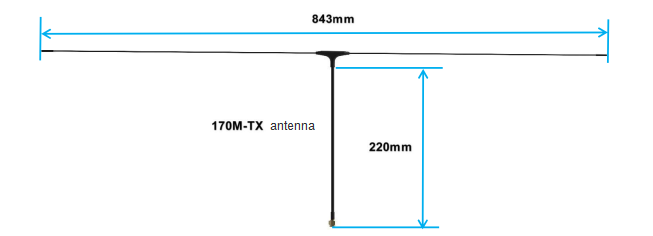
2、 Basic Configuration
The ELRS-170M-TX transmitter module receives only signals based on the Crossfire Serial Protocol (CRSF) by d efault. The RF interface of the transmitter must support CRSF signal output. The following sec tion uses the OpenTX transmitter system as an example to demonstrate how to configure the transmitt er to output CRSF signals and how to control the transmitter via LUA scripts.
3、 CRSF Protocol Configuration
In the OpenTX system, select MODEL SELECTION and enter the MODEL SETUP menu. In this menu: Set Internal RF to OFF; Enable External RF; Set the output Mode to CRSF.
| MODEL SETUP | |
| Use global funcs | |
| Internal RF | |
| Mode | OFF |
| External RF | |
| Mode | CRSF |
| Channel Range | CH1-16 |
| Receiver | 00 |
After properly connecting the ELRS-170-TX transmitter module and configuring the transmitter for External RF with CRSF output as described above, the ELRS transmitter can, in principle, operate normally.
4、LUA Script Control
To modify parameters such as the power output or refresh rate of t he ELRS module, the OpenTX LUA script must be used. The procedure is as follows:
- Copy the official LUA script ELRS. lua to the transmitter ’s SD card under the path: Scripts/Tools
- On the OpenTX system, long press the SYS button (e.g., on the RadioMaster T8 transmitter) or the MENU button (e.g., on the FrSky Taranis X9D transmitter) to enter the SDHC CARD menu. In this menu, select the ELRS.lua script and run it.
- If the LUA script runs successfully, the interface will appear as shown in the figure below.
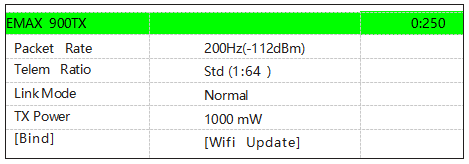
- Using the LUA script, you can configure parameters such as Rate (refresh rate), Ratio (return packet rate), and Power (output power). A detailed description of all LUA script functions is provided in the table below.
Note:The official LUA script ELRS.lua can be downloaded from the ELRS support website (see the “More Information” section for the URL).
5、 Binding
The transmitter shipped with the ExpressLRS V3.5.0 official firmware.No Binding Phrase is set by default.
Therefore, the paired receiver must be running firmware version V3.0.0 – V3.5.0, and must not have a Binding phrase configured.
| Parameter Name | Parameter Description | |
| 0:250 | Data Packet and Bad Packet Ratio | Located at the top- right corner of the interface. It indicates the number of data packets sent persecond between the transmitter and the transmitter, as well as the number of lost packets. |
| Pkt. Rate | Data Packet Rate | The higher the frequency, the shorter the interval between data packets sent by the transmittermodule, and the more precise the control. |
| TLM Ratio | Telemetry Packet Ratio | For example, 1:64 means that the transmitter transmits 64 data packets while the receiver sends back 1 data packet |
| Power | Power | Transmitter Power. |
| RF Freq | Radio Frequency | Operating Frequency |
| Bind | Bind | Entering Binding Mode |
| WiFi Update | WiFi Update | Wi-Fi Enabled for Firmware Updates |
6、 Power Settings
The ELRS transmitter module currently supports 100mW / 250mW / 500mW / 1000mW/2000mW. Transmit power switching for t he ELRS transmitter module is done via LUA Script. Select “Power” to switch directly between 100mW / 250mW / 500mW / 1000mW/2000mW For details, refer to “LUA Script Contr
Related Products